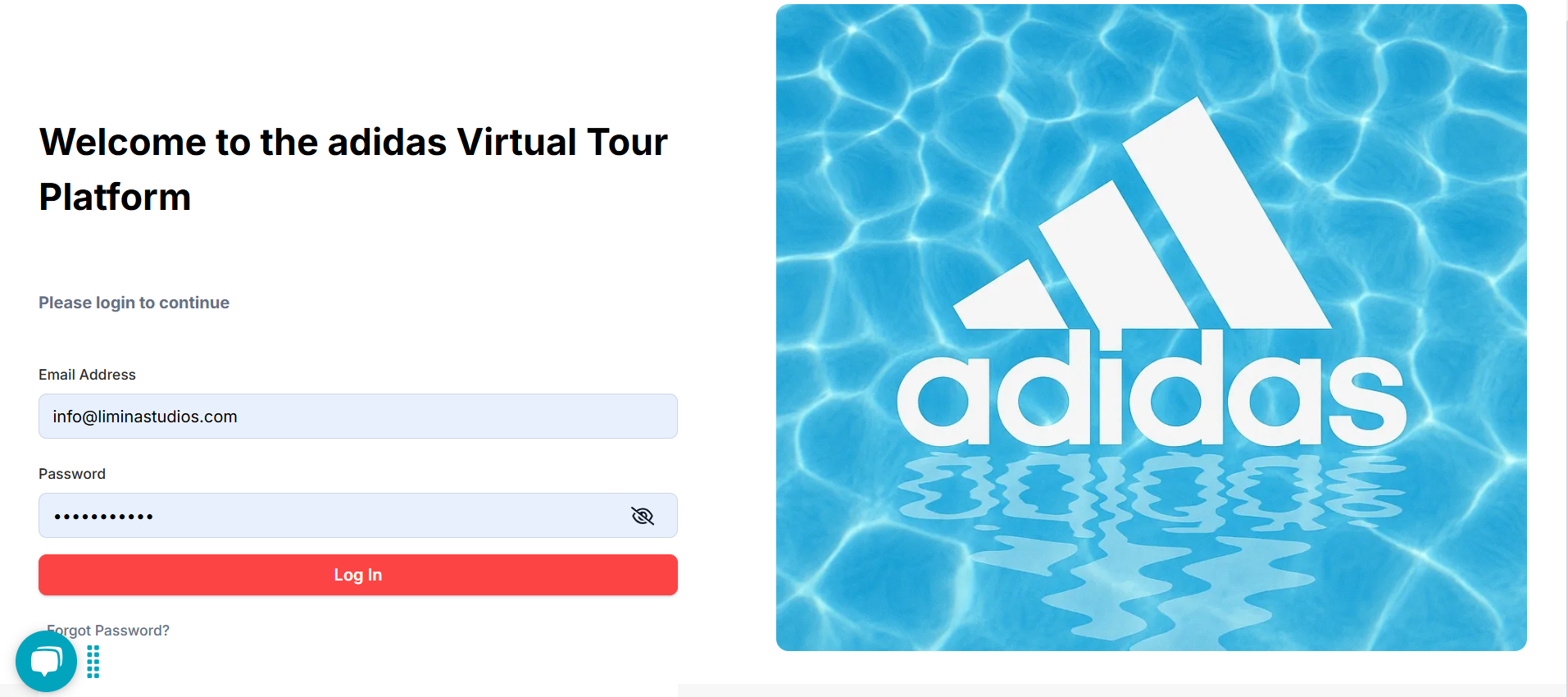
- Login to client portal with the link: Login
- Username and password will be provided by us.
- Once logged in, you will see the available spaces
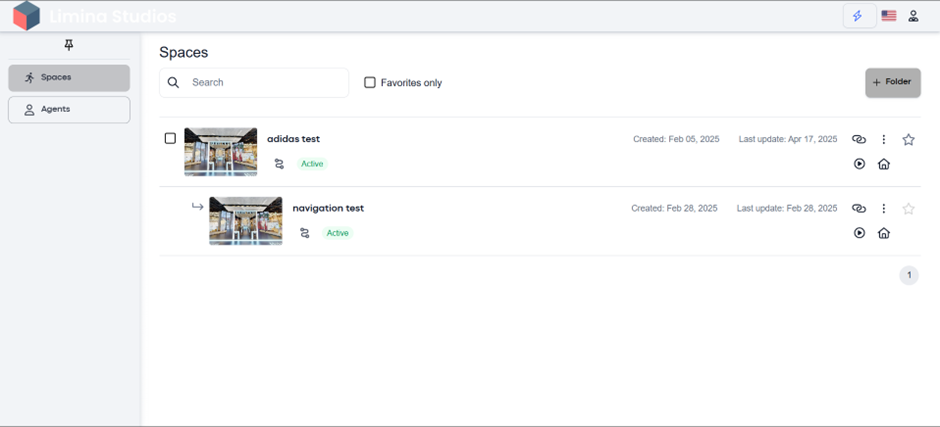
- Click on the space where you want to add tags.
- Click on ‘Workspace’
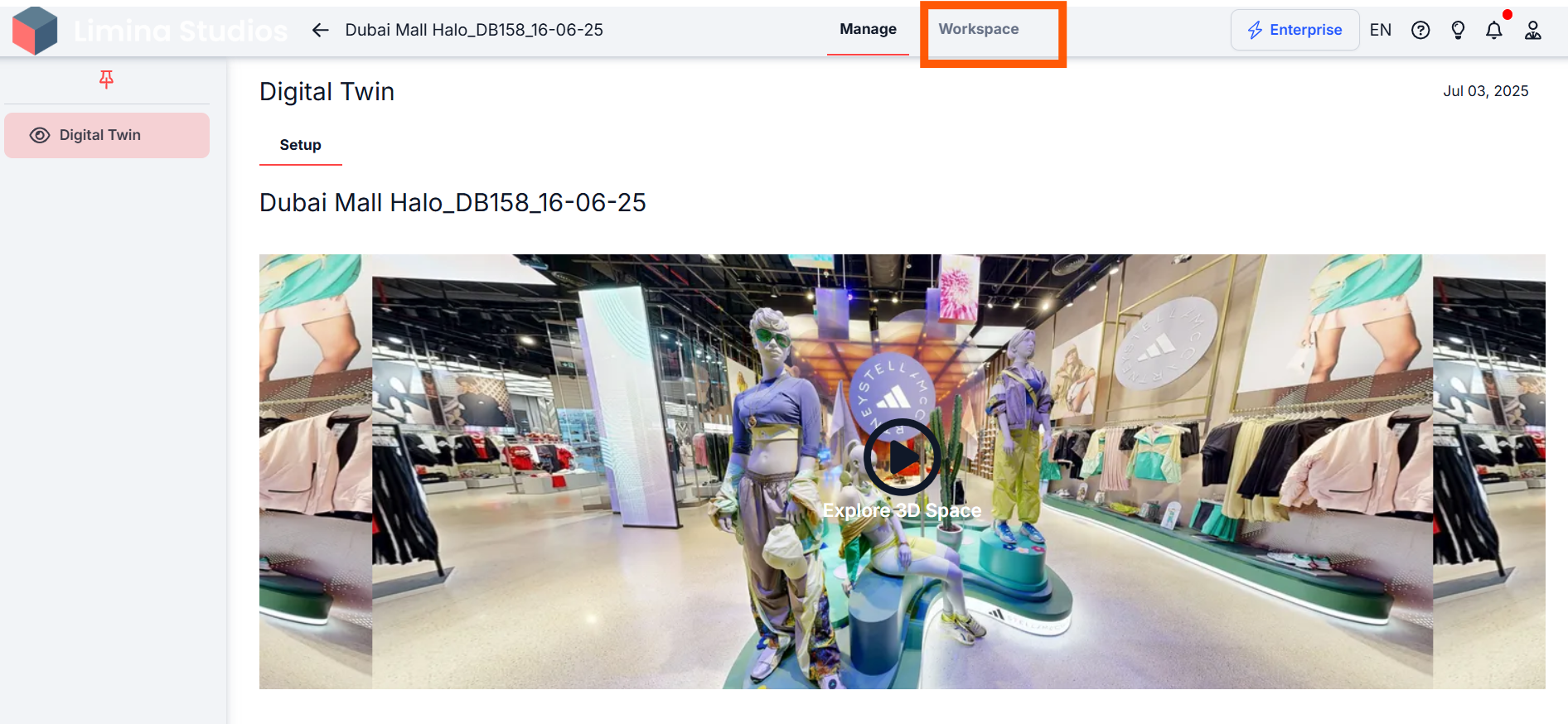
- Click on Digital Twin and then “Tags”
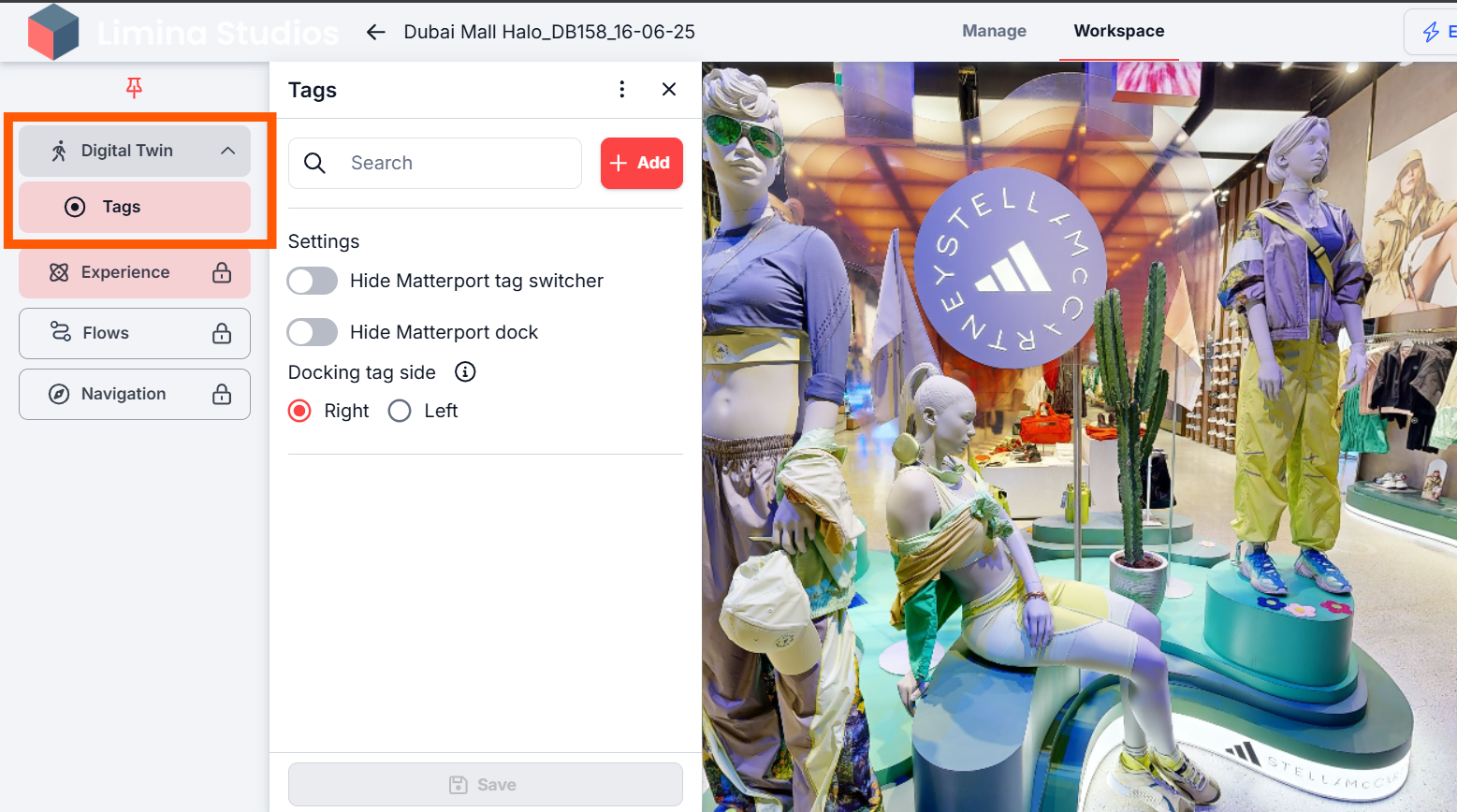
- Click on the ‘Add’ button to place tags in the virtual space.
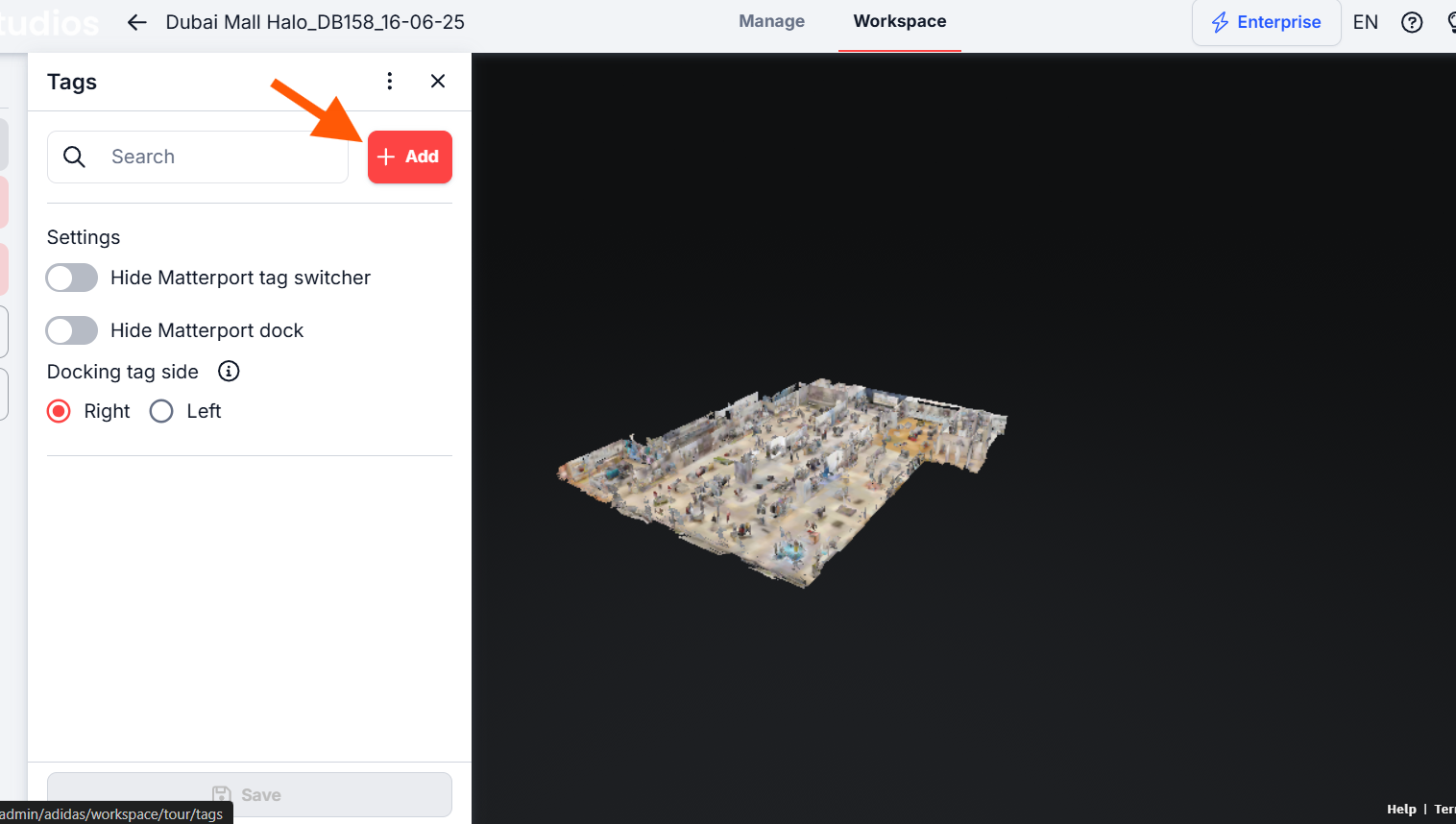
- Drag and drop the tag pin anywhere in the virtual tour.

- Once placed, name the tag:
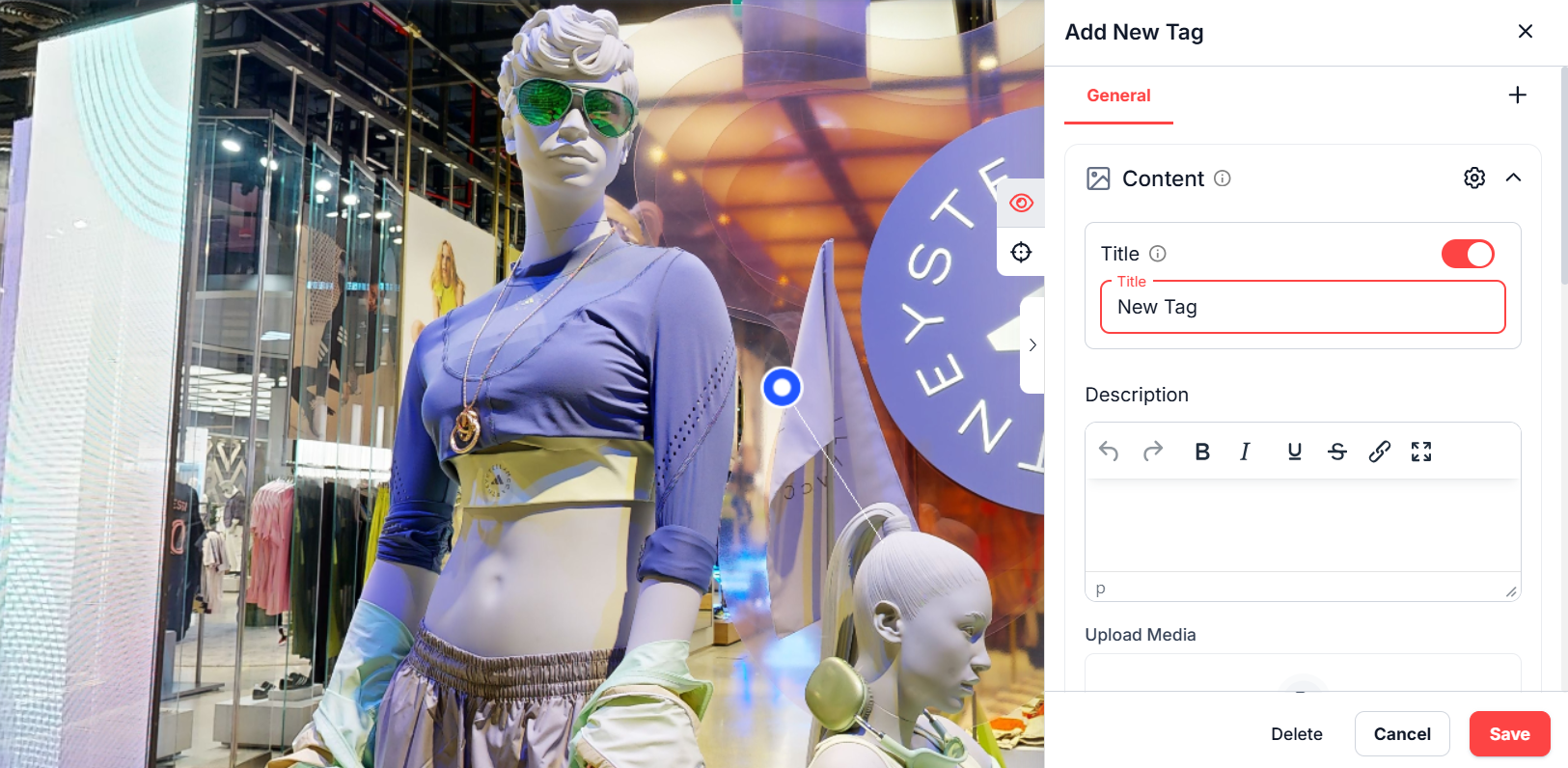
- Title: Enable this toggle. A tag title helps differentiate between tags.
- Description: You can add a detailed description (up to 2000 characters) with text formatting options.
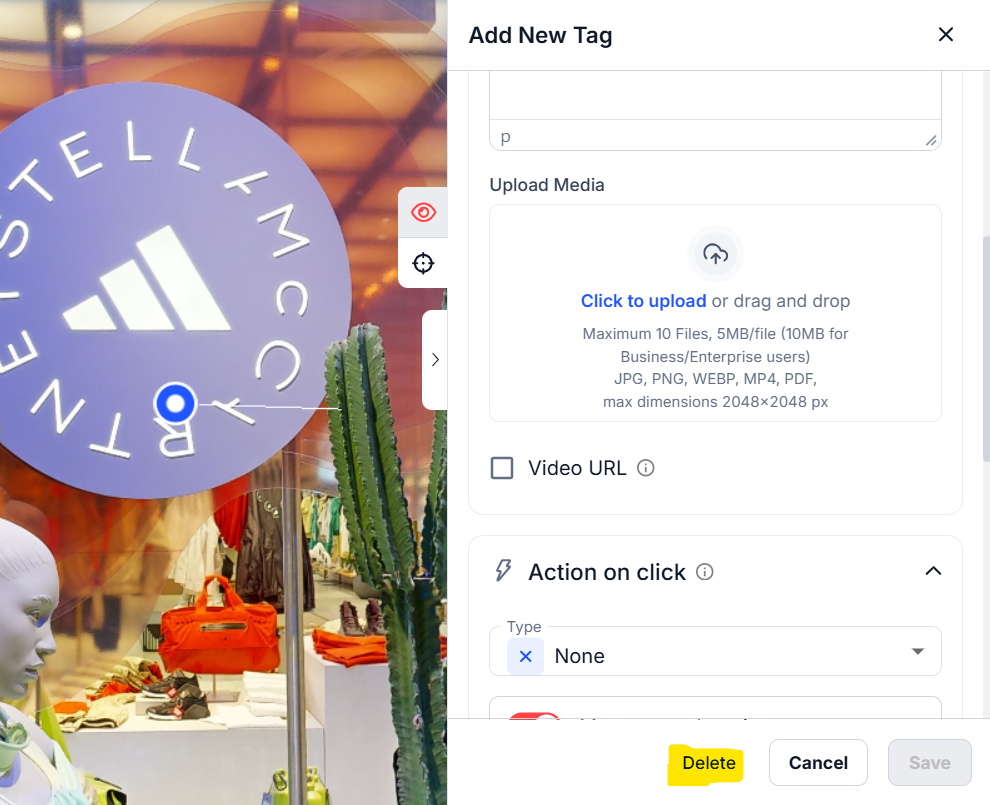
- To add a media to the tag, upload images or videos in formats: JPG, PNG, WEBP, MP4. PDFs are also accepted.
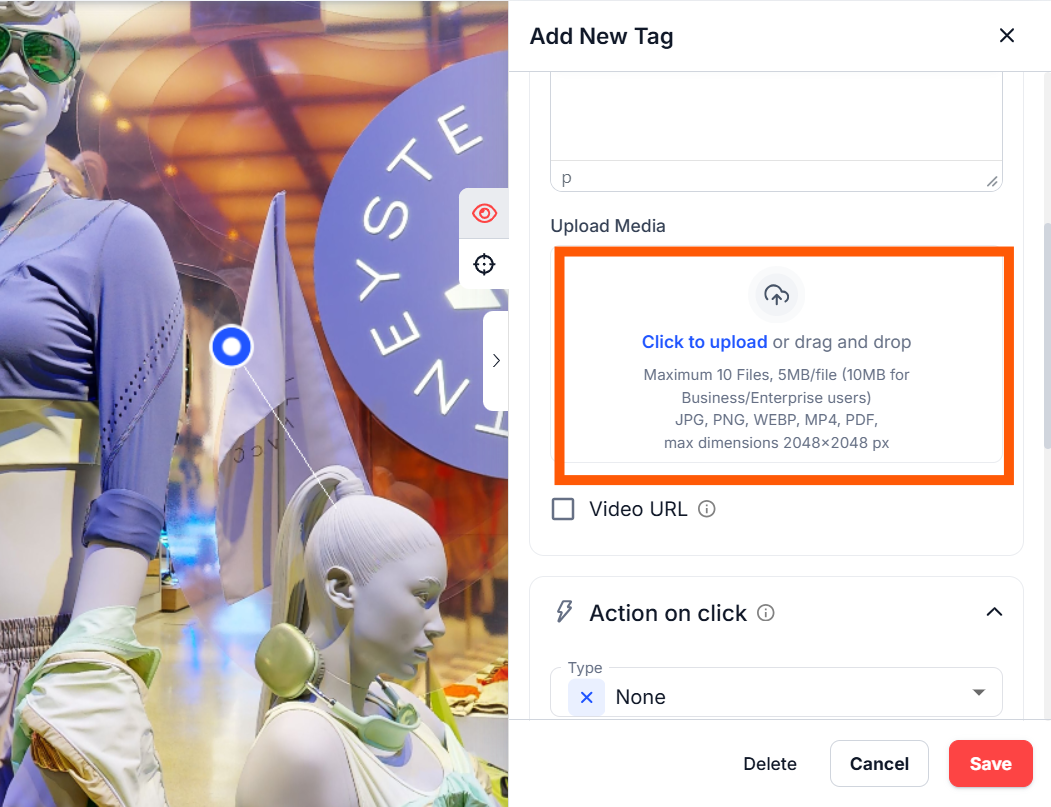
- Add a single file or multiple files to create a gallery (max 10 files, 5MB each).
- Alternatively, add video links (GIF, YouTube, Vimeo) for single or gallery media display.
In the Appearance section, you can:
- Choose an Icon: Select from default icons or upload your own.
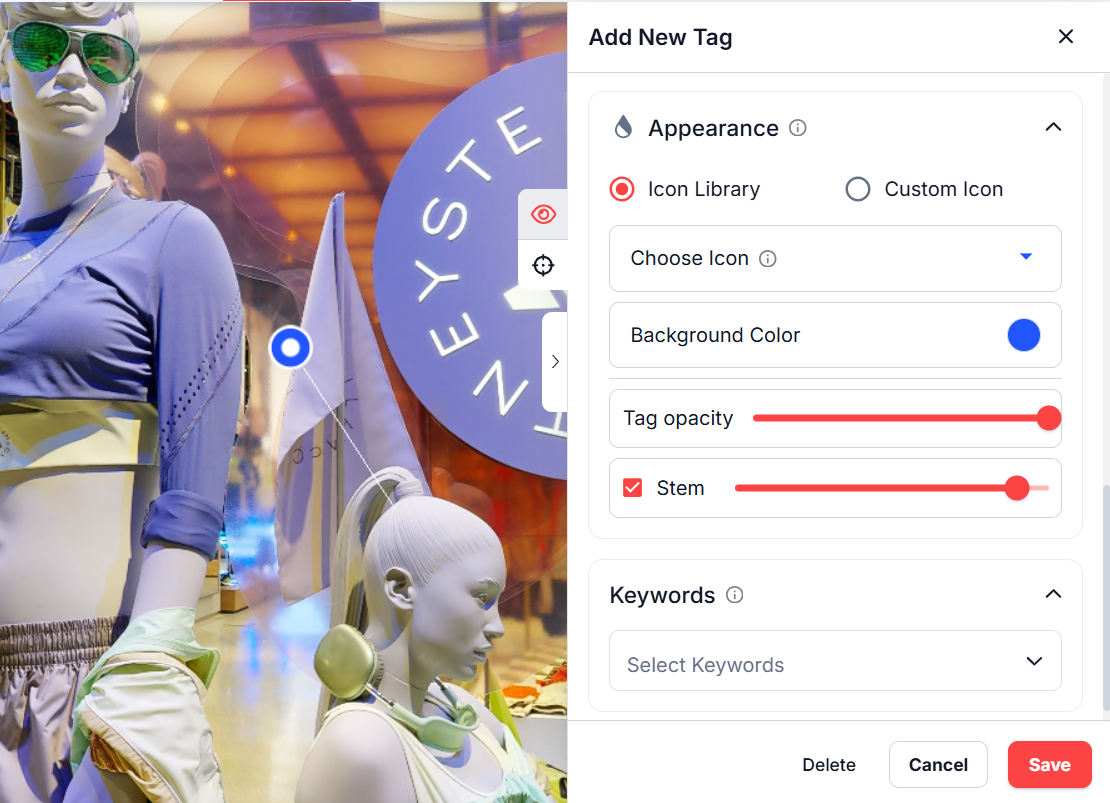
- Set Colors: Customize the icon and background colors.
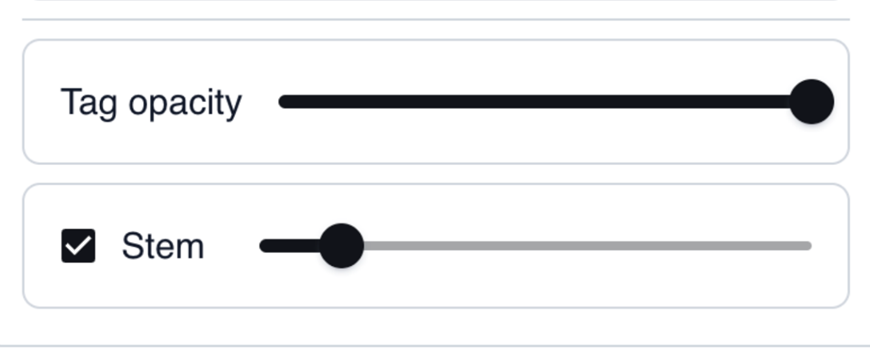
- Adjust Opacity: Make the tag more or less transparent.
- Toggle Stem Visibility: Adjust the stem height of the tag
- While creating the new tag, you will see the Eye and Navigation icons in the tags settings.
Eye icon means that you opened the tags General settings.
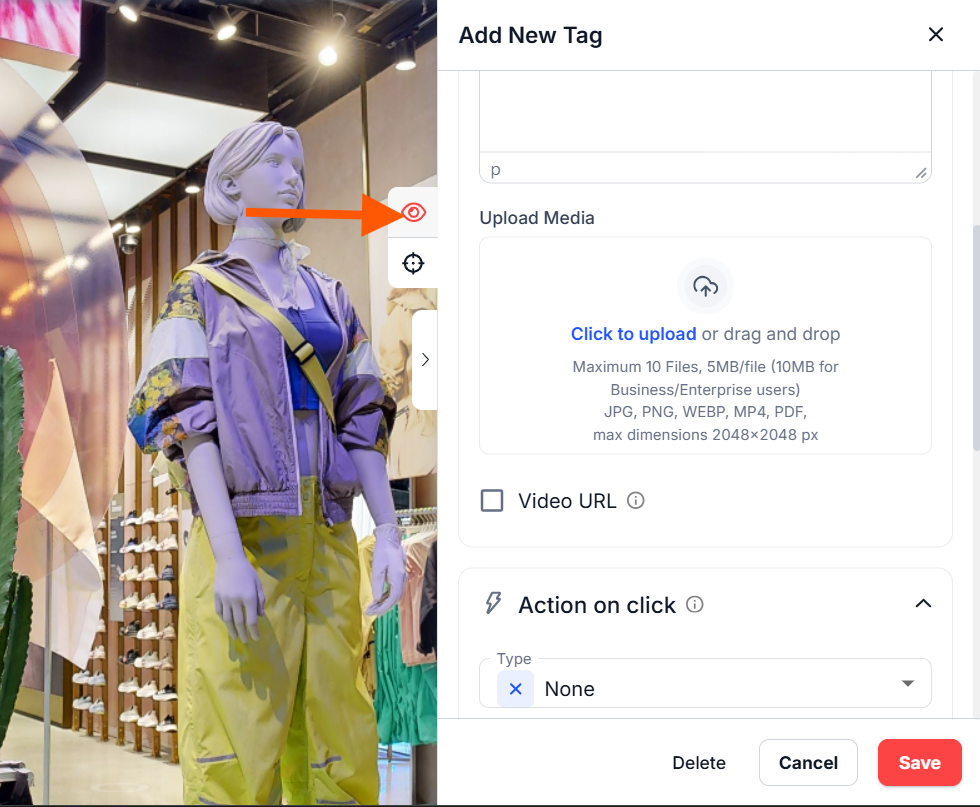
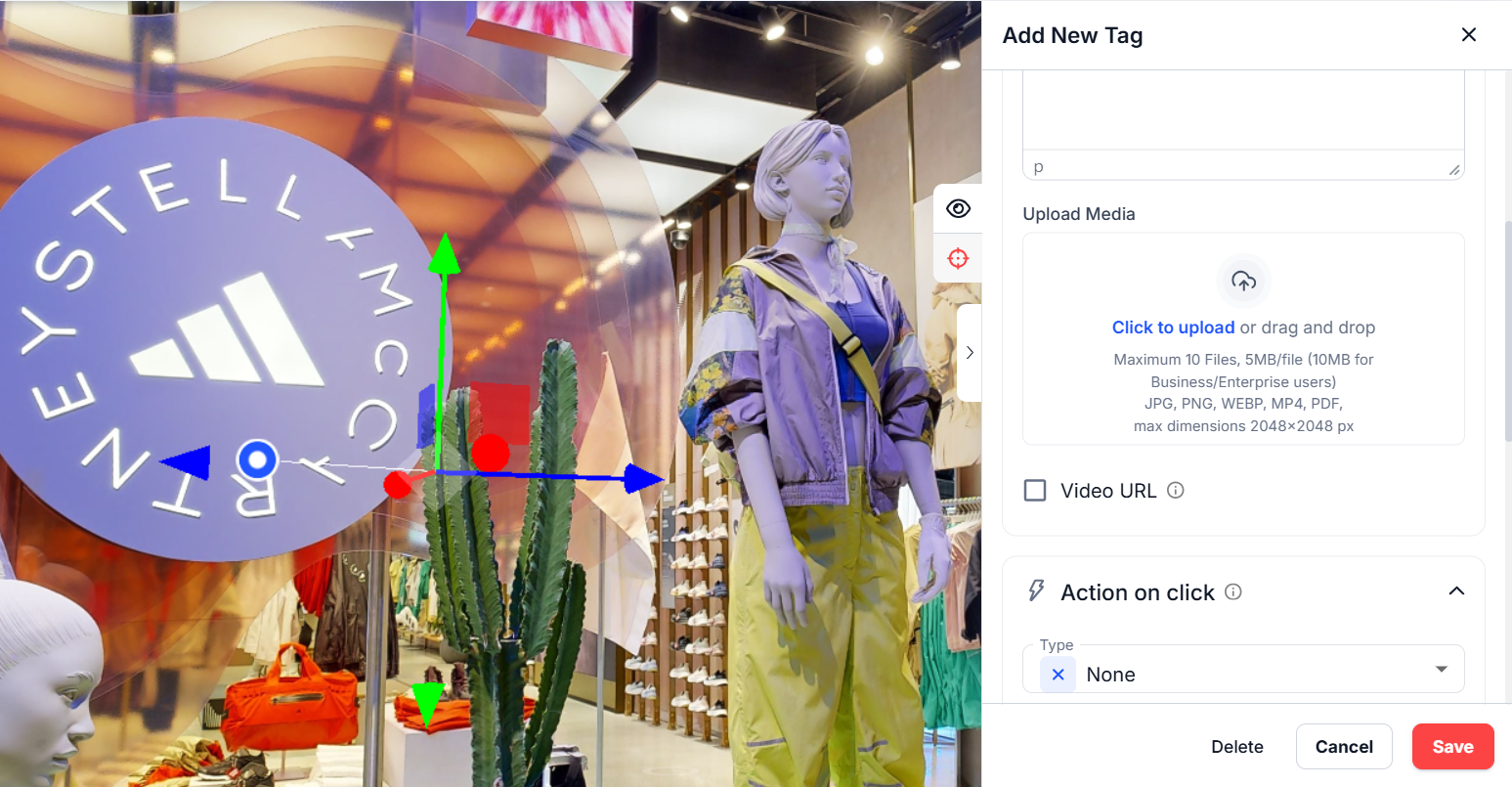
If you have already created a tag and want to change the position , just click on the Navigation icon to change the tag’s position using the arrows . If you start moving the tag but change your mind, click the Eye icon above to close the arrows.
To delete a tag created in the space, click the tag to open settings, then click the Delete button.