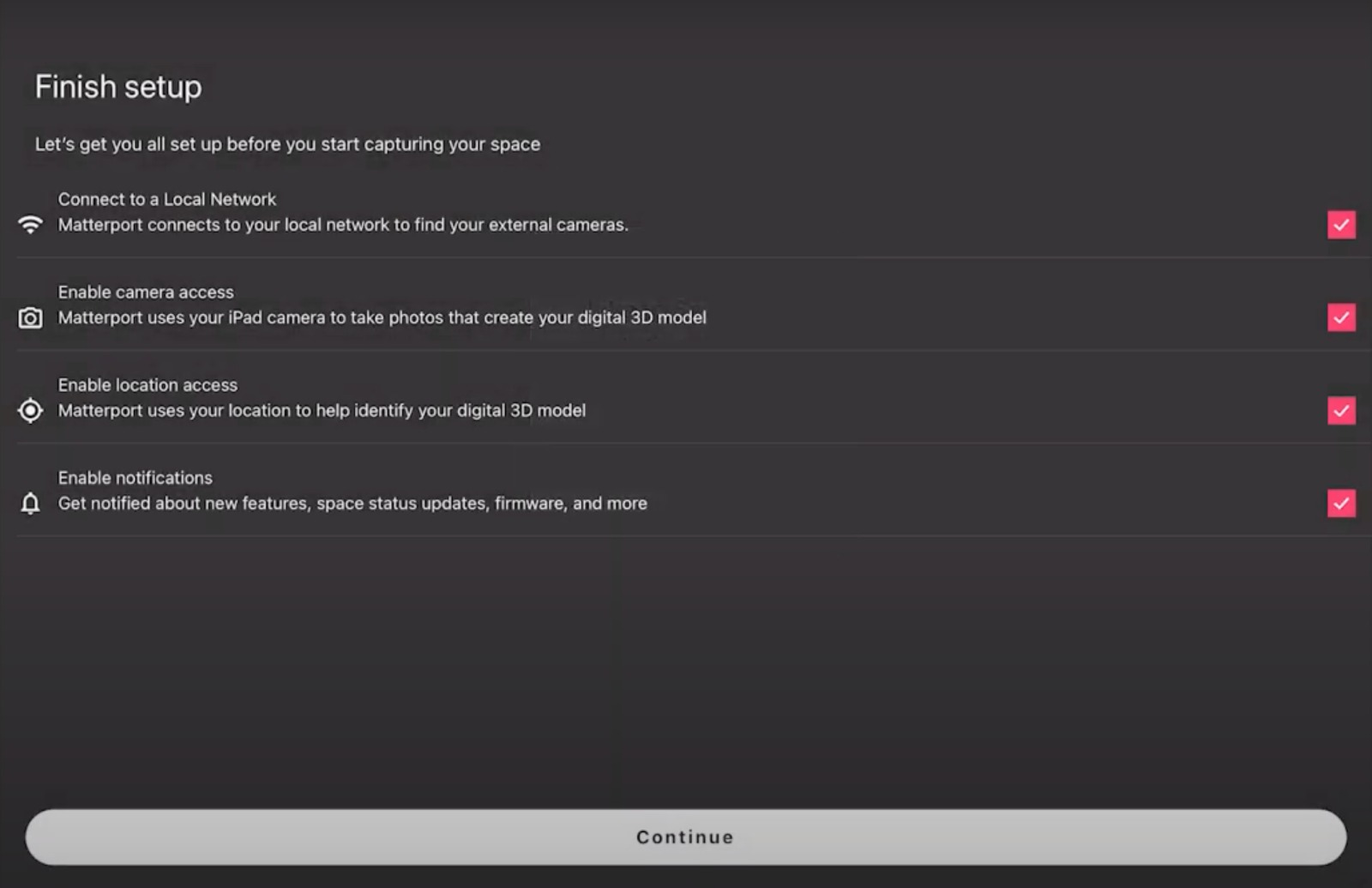
For iOS Devices:
- Make sure that your iPad and Ricoh camera is updated to the latest version.
- Open the App Store on your iPhone or iPad.
- Search for “Matterport Capture.
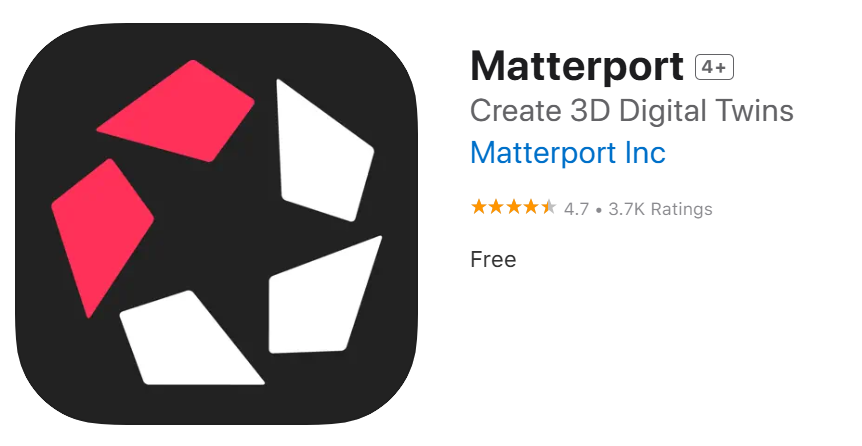
- Download and install the app.
For Android Devices:
- Open the Google Play Store on your Android device
- Search for “Matterport Capture.”
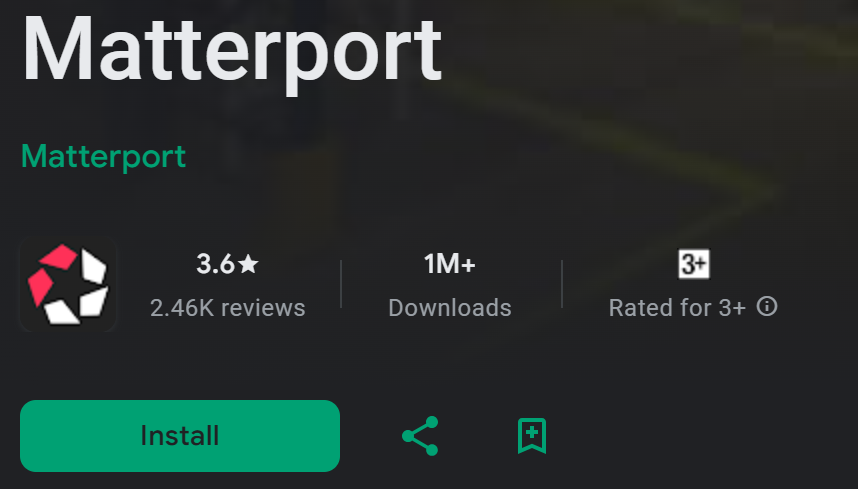
- Download and install the app.
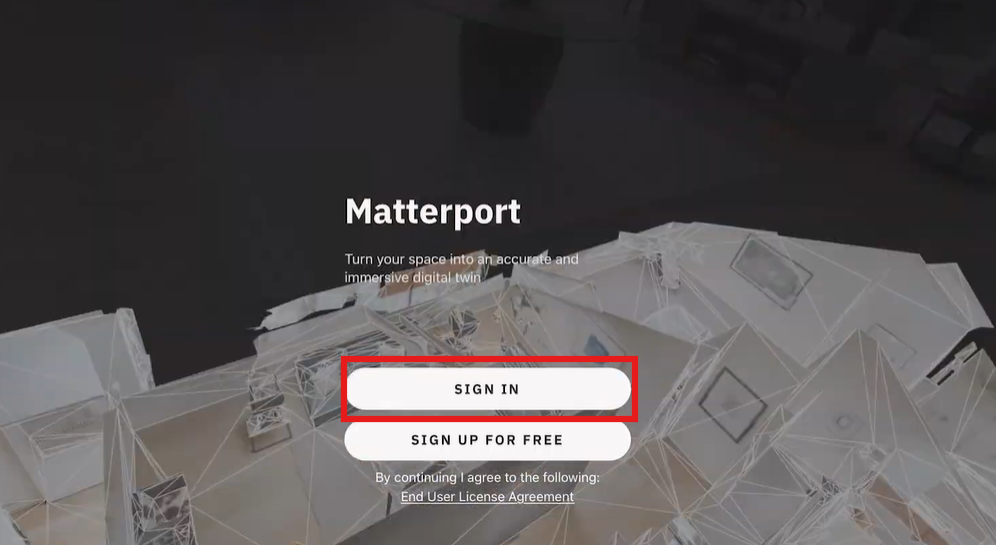
- Open the Matterport Capture app.
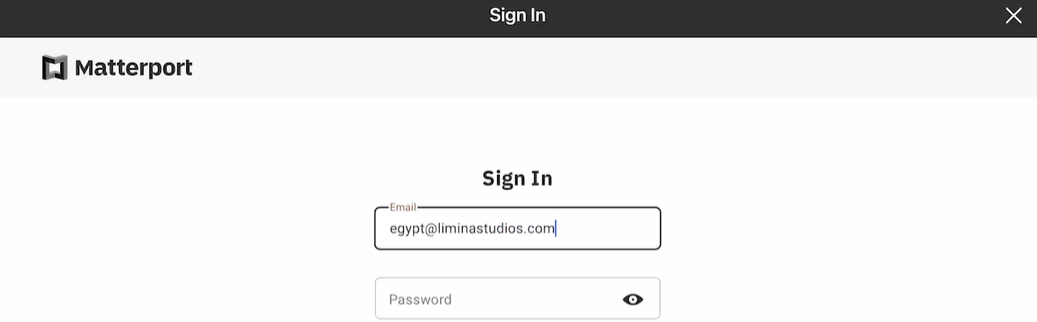
- Sign in using the account credentials provided by Limina Studios.
- Example, rtl.emc@liminastudios.com
- Finish setup .